Won’t Nebuchadnezzar Be Surprised!

Daniel 4:13-17
13 “In the visions I saw while lying in my bed, I looked, and there before me was a messenger, a holy one, coming down from heaven.

14 He called in a loud voice: ‘Cut down the tree and trim off its branches; strip off its leaves and scatter its fruit. Let the animals flee from under it and the birds from its branches. 15 But let the stump and its roots, bound with iron and bronze, remain in the ground, in the grass of the field. Let him be drenched with the dew of heaven, and let him live with the animals among the plants of the earth. 16 Let his mind be changed from that of a man and let him be given the mind of an animal, till seven times pass by him. 17 β€œThe decision is announced by messengers, the holy ones declare the verdict, so that the living may know that the Most High is sovereign over all kingdoms on earth and gives them to anyone he wishes and sets over them the lowliest of people.’

18 This is the dream that I, King Nebuchadnezzar, had. Now, Belteshazzar, tell me what it means, for none of the wise men in my kingdom can interpret it for me. But you can, because the spirit of the holy gods is in you.”

In this passage from the Book of Daniel, King Nebuchadnezzar relates a strange dream to Daniel (called Belteshazzar while in Babylon). Daniel has already proven himself to be an able dream interpreter for the king in chapter 2, and so Nebuchadnezzar calls on him again.

Nebuchadnezzar doesn’t give much weight to the concept of Israel’s God at this time; he has his own gods, after all, and thinks more of his own kingly might. But he does at least recognize that Daniel is blessed with some sort of divine power to interpret these dream images. Unfortunately, this time the dream images of a humbled tree, sent directly from God, will not prove quite as favorable (verses 19-27), and Nebuchadnezzar will have to face their truth in only a year’s time (verses 28-34).

Sometimes we give God as little consideration as King Nebuchadnezzar did before his second dream was fulfilled. Sometimes, we get so wrapped up in concepts of our own earthly strength (physical, emotional, financial, etc.) that we forget Who has the real power. But God demonstrates in His treatment of the Babylonian king that He is not afraid to correct us when we are in the wrong!


3 Tips for Naming Site Folders

What I’m discussing today is nearly as important as designing and developing your site, yet it is often ignored: naming your site folders. The way we name our folders affects the efficiency of our site’s internal structure, the URLs we have to type in our code, and even the URLs that our visitors see (if you’re not using nifty PHP coding tricks to make your URLs pretty).

So, how do we name our site folders appropriately for all these scenarios? Read ahead!

Keep Site Folder Names Short

shortfolders

The shorter your folder names, the less you have to type in for every URL you code in on your site…and trust me, you will be glad you made this decision, no matter how big or small your site is. Less typing, especially on EVERY URL, is GOOD!

Don’t Capitalize Folder Names

nocapsfolders

Not only do partially capitalized folder names look amateurish to the user, but they also can pose coding problems, especially with lowercase Ls and uppercase Is in certain fonts. Misspelled URLs are broken URLs!

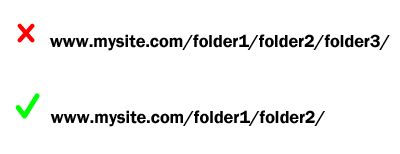
Don’t Nest a Ton of Folders Together

shortnestfolders

Nesting a lot of folders together looks clunky on the user’s end of things, plus it opens up a lot more opportunities to mistype a URL (and thus break it). Keeping your folder nests small (only two folders deep if at all possible) will save you a lot of time and trouble debugging later, and it will also look neater in the address bar. (Additional benefit: you don’t have to go digging around in hundreds of folders looking for ONE file!)

(Important caveat: Some web development software forces you to have tons of folders nested together for security purposes, like user passwords and information; if this is the case, leave those folder nests alone. But if you have total control over the site organization, make it as simple as possible for your own sanity.)

Summary

Making your folder names short and lowercase, plus simplifying them as much as possible, will save you time and effort coding. (Plus, anything that makes your site look more professional is definitely a good thing!)

A Little Creativity Pep Talk

Feeling remarkably un-creative these days? You’re not alone!

Creativity, for me, seems to ebb and flow like the tide. At “low tide,” I end up staring at my works, adding a little bit here and there sometimes, but usually just reading it/playing through it and not making changes at all. But at “high tide,” I stay awake all night working on a project because I know I’ve got to “strike while the iron is hot,” and boy, is my brain ever on fire! LOL!

The wonderful thing? Both of these levels of creativity, and all levels in between, are perfectly NORMAL. Even if you feel stuck at “low tide,” or even if you’re wondering where most of your creativity “water” went, you don’t have to stay there. Relax–the more you worry about being non-creative, the less creative your brain can be!

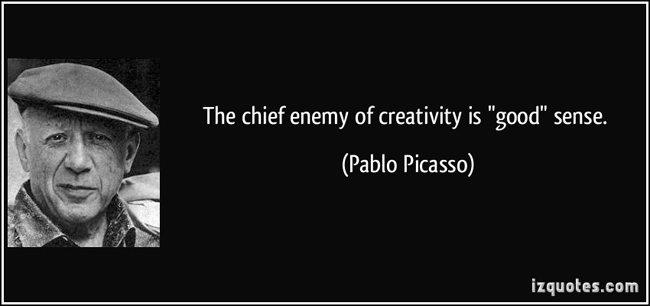
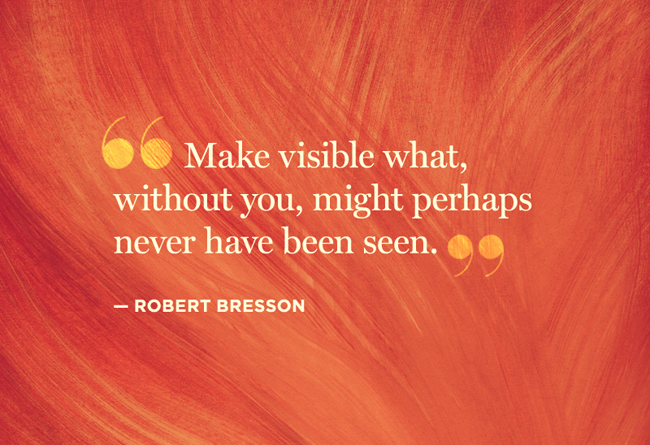
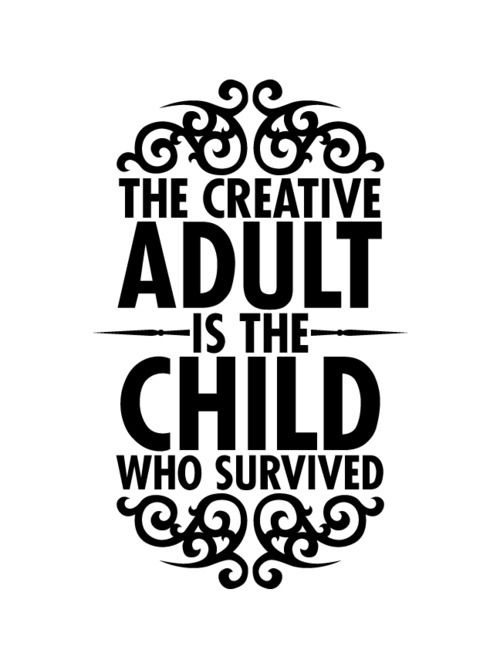
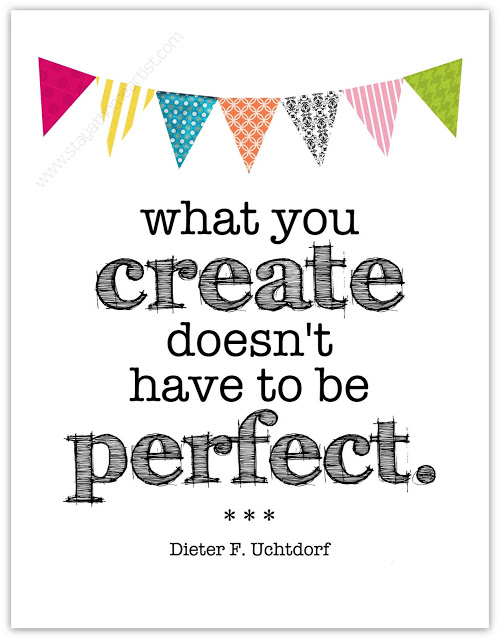
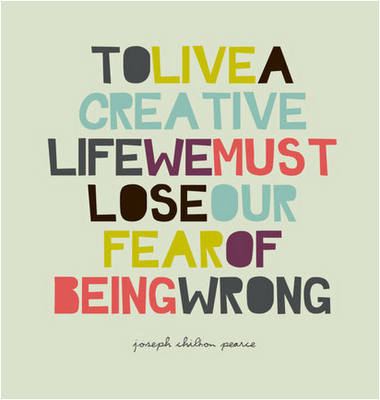
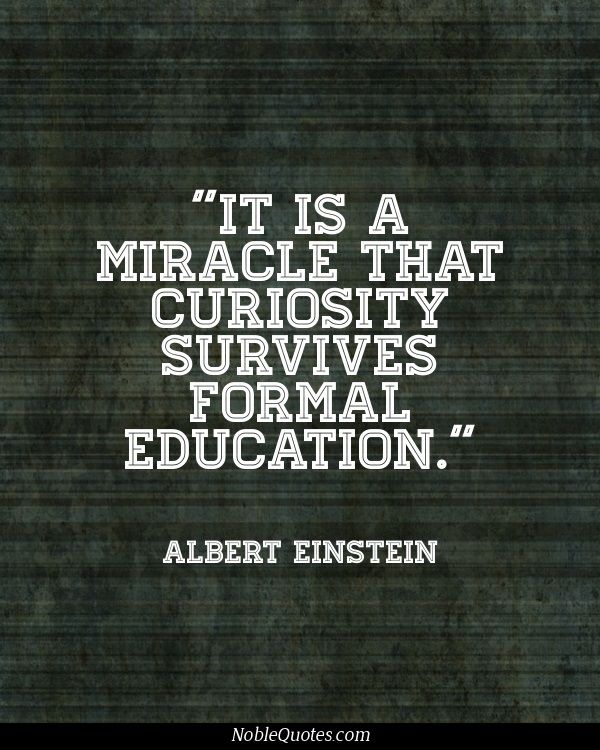
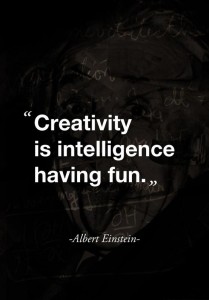
Here, I’ve gathered a few visual quotes that have helped me when I’m feeling particularly “ebbed out” with no inspiration. Enjoy, and get re-inspired!

creativityenemy
Source

seewhatsunseen
Source

creativeadult
Source

notperfect
Source

childartist
Source

losefear
Source

curiositysurvives
Source

intelligencehavingfun
Source

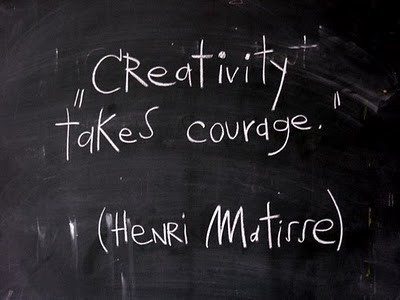
creativitytakescourage
Source

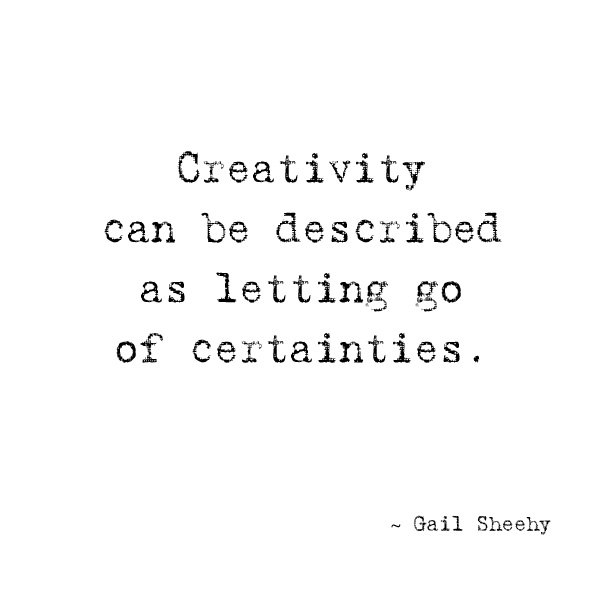
uncertainties
Source

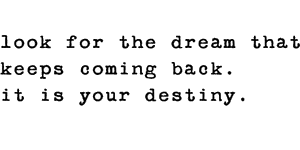
quotes_destiny
Source

Strange Psychological States, Draw a Pig, GroCribs, and Webdesign Books

10 Psychological States You’ve Never Heard Of–And When You Experienced Them
Really neat article! It discusses states like enthrallment (aka going to a Backstreet Boys concert at 12 years old and being in a stadium full of girls chanting “BACK-STREET-BOYS! BACK-STREET-BOYS!”), and repetition compulsion (aka this is the road I always take to get home, why would I take another road? Oh, my way is two miles longer? shrug)

“Draw a Pig” Personality Test
Fill in the blank space with a pig, any kind of pig…here’s mine!

GroCribs–from Cradle to College
Nifty cribs that can transform into other useful furniture items as your child grows up!

Top 50 Books for Web Designers and Developers: NetMagazine

Hidden Clix Gem: Tessa/Sage (AKA The Swiss Army Knife)

sage If you’re new to Clix or simply haven’t explored many of the older Clix pieces available, you probably haven’t heard of this little lady, who goes by Tessa in her Rookie form and Sage as an Experienced and Vet figure.

Though she doesn’t look like much at first glance, her entire set of 3 figures are excellent Support pieces–simply because they do it all! Whether you need Enhancement, Outwit, Perplex, or Prob, the Tessa/Sage REV is worth fitting onto your team; if she gets hit and/or healed back up, she’ll be useful no matter what click she’s on!

The Dials and Stats

rookie_tessa
Here’s the Rookie, called Tessa (the character’s real name). The front-dial combination of Energy Shield/Deflection and Enhancement is simple but effective for a range-heavy team, and if she gets hit or pushed 2 clicks, she falls into Perplex with Combat Reflexes–helpful if she gets involved in close combat! The last two clicks, combining Stealth with Prob, are a subtle but lethal addition; the Stealth protects Tessa at range, and the Prob can keep her teammates a little safer. All that, plus 6 range and free move (through the Brotherhood TA), for 39 points? WOW!

exp_sage
The Experienced figure, called Sage (her alter ego’s name), features Outwit instead of Enhancement front-dial, and keeps that for 2 clicks. The 3rd click is the main reason Sage made it into my collection–she becomes Destiny with 18 defense and Phasing! And, if she gets somehow knocked past 3rd click, she becomes useful as a Mind Control piece for a couple of clicks…then she becomes a Perplex piece, and finally an Enhancement helper. 6 range and Brotherhood makes her easy to fit into your team strategy, for 60 points–a good bargain, given that hilarious 3rd click!

vet_sage
I don’t own the Vet Sage (YET!), but this one is just as handy as her Rookie and Experienced, starting off with a powerful supportive combo of Super Senses and Perplex. (The 3rd click is hilarious, with Mind Control, Combat Reflexes, and Prob!) And past 3rd click, she’s useful as a range-team booster and Outwitter back-dial. This figure adds a second range target, which can make her a solid second- or third-string attacker. Plus, the Vet replaces Brotherhood TA with X-Men, giving her the option of being healed with fellow X-Men TA pieces, all for 78 points. Considering all the usefulness you get packed into that point total, that’s awesome!

Why Should You Run Tessa/Sage Figures?

In short, you should use these figures because they never lose their effectiveness. At no point do you look at a wounded Tessa or Sage and say, “Well, this figure’s completely useless to me now,” because no matter where she is on her dial, she’s got at least one power that can help you out. I love figures like this, who never become just a meat shield for other characters on your team–I don’t have to worry that my entire strategy’s blown to pieces because my Tessa or Sage got hit for a couple of clicks of damage. I might have to shift my thinking a bit, but I can still win! (And if you run a Medic on your team, you can heal her back to where you need her most! Well, maybe that’s just my strategy…LOL)

Credits

All images retrieved from HCRealms.

Jesus = Word of God Made Flesh, and Still Fully God

John 1:1-3
1:1 In the beginning was the Word, and the Word was with God, and the Word was God. 2 He was with God in the beginning. 3 Through him all things were made; without him nothing was made that has been made.

These 3 verses, which echo Genesis 1:1, speaks of the “Word” being with God, and also being God–whether it was thought or spoken word doesn’t seem to matter much. (The Greeks defined “Word” as the “rational principle which governs all things,” as my NIV translation states; however, the Jews defined “Word” as “Word of God,” which God used to both create the world and govern it through the Law.)

But the Word is not just the Law, nor was it just God’s spoken phrases–the Word is also Jesus! After all, the Law (Word of God) came from God and was fully God, and had its ultimate fulfillment in Jesus. Thus, the phrase “the Word was with God, and the Word was God” takes on new meaning; John’s not just talking about the Mosaic Law here, but talking about Jesus, too.

I believe John puts this first in his gospel because he wants to make sure that his readers understand Jesus’ role. He was not simply a man, nor even just a prophet–He was the Son of God, the Word made flesh at long last to fulfill the Law and make it possible for us to reconnect with God. John asserts that Jesus was present with God at “the beginning,” in the midst of creation, and “nothing was made” without His assistance. This directly combats any doctrine which says that Jesus is somehow “lesser” than God the Father.

10 Weird/Funny OCD Rules from My Life

OCD, or Obsessive-Compulsive Disorder, is something we joke about in modern society. We use it as shorthand for being excessively picky about things, for instance, or for being overly bothered. Things like fixing crooked pictures and not letting foods touch on our plates are almost part of our culture now.

But for those of us who either are diagnosed with OCD or are pretty certain we have it, it’s a reality, however strange and funny it may seem to others (and to ourselves). I even have to laugh at myself when I realize how many things in my life are regulated with OCD’s little rules! Such rules make perfect sense to me, so I rarely think about them–that is, until I started brainstorming for this post. πŸ˜›

To demonstrate, here’s a few of the standout ways OCD runs my life:

  • In the shower, my hair must not touch my shoulders when it is covered in shampoo and I am scrubbing my back with body wash. (Shampoo mixing with body wash? A HUGE no-no, at least in my head!)
  • All apps must be force-closed on my iPhone before I charge it.
  • Socks must not be put on before pants. (I hate the feeling of fabric dragging against fabric!)
  • Posts on Tumblr must be thoroughly tagged with proper subject matter and general category tags. (It also bugs me when I see others’ posts not properly tagged, though I don’t say anything :P)
  • Salty and sweet flavors must not mix, either on the plate or in my mouth. (Different sweet flavors may mix with each other, however; same with different salty flavors.)
  • Freshly washed and blow-dried hair must not be stuck in a ponytail–it must be left loose.
  • All lights and appliances must be off in a room before leaving it, unless I am returning very soon.
  • Decks of cards must be shuffled exactly 3 times before playing.
  • The gas tank in my car must always be filled to top when refueling.
  • When arranging a music playlist, the same artist or same album must not occur back-to-back in the track list.

If you definitely have OCD (or are pretty sure you do), what are some of the weird and funny rules you live by? Tell me in the comments! πŸ˜€

Next-Gen Headers for Responsive Design

As users get more and more used to mobile browsing, we webdesigners are keeping up with that trend, making our sites ever more mobile-friendly. And nothing has shown that mobile sensitivity more than the responsive header, which not only resizes, but shifts its design slightly with the screen size.

Before we dig into how to make this happen, let’s look at a couple of examples from around the Web:

Visual Example #1: FunnyOrDie

fod_full
(Desktop view)

fod_mobile (Mobile view)

See this responsive header in action: FunnyOrDie.com

Visual Example #2: SmashingMagazine

smashmag_full
(Desktop view)

smashmag_mobile (Mobile view)

See this responsive header in action: SmashingMagazine.com

How Do We Make This Happen?

Combine Site Branding and Navigation in One Bar

An iconic site logo/site name and some simple navigation is the most mobile-friendly design choice. But that does not mean that your desktop users have to look at a boring header design! Both FunnyOrDie and SmashingMagazine’s navbars are both more complicated and elaborate on desktop view, with descriptive text added to icons, greater space between navigation links, and more subtle plays of color.

Make Your Header 100% as Wide as the Page, and Pretty Skinny

Make sure your header bar is always 100% of page width, so that it resizes with the screen size. Also, a navbar that is 100-150px tall translates well between screen sizes–it gives the mobile user enough screen space to tap on, while still being unobtrusive to the desktop user’s experience.

Fix Your Header Bar in Place

As described in my fixed navbar tutorial article, a combination header/navbar that scrolls with the user is infinitely more friendly, especially on mobile. It gives the appearance of an app without having to actually make an app for your site, and it makes quick browsing much easier.

Use Icon-Only Navigation on Mobile

Using tappable icons rather than text on mobile screens is much easier and quicker to view, and it keeps the navigation as small as possible (depending on how many links you have). (Notice that both FunnyOrDie and SmashingMagazine use a three-horizontal-line icon to give you access to full navigation.) This can be done using a CSS @media query to switch between displaying text and displaying icons.

Summary

Making a sleek, responsive header is key to making your site mobile-friendly, and it can be done with just a few code tricks! Try these suggestions and see what kind of mobile magic you can work!

4 Simple Tips for Writing Poetry

As a poet since at least the age of 7, I’ve experimented quite a bit with writing and reading poetry, working with word choices, line breaks, rhythms, punctuation, and several other tools to help get just the right effect for my poems. For me, poetry is very natural and has always been so.

But for some, poetry can seem at first like the most approachable and the most difficult literary form out there. Sometimes it seems like poetry is so “simple” that it’s easy to over-complicate it or mess it up.

If you’re new to poetry (or even if you’re not), try out the following 4 tips to create and shape your own lines. You might be surprised at the grace your words can have!

#1: Read Your Poetry Aloud

This is the first and probably best overall tip for writing poetry–reading your words aloud can help you solve most poetry issues, such as off-beat word rhythms, weird punctuation, awkward word choice, and the “flow” of lines together. Plus, it can help consolidate the idea behind the poem, so that you can cut out unnecessary material if need be.

#2: Play with Line Breaks and Spaces

Poetry can have a visual effect as well as a verbal and mental effect. Check out the differences in these three examples, all identical except with regards to line breaks and spaces:

Example #1

you smiled
and my watch stopped ticking
you spoke
and my heart and breath waited
to make sound
so they wouldn’t drown out
your voice

Example #2

you smiled
and my watch
stopped
ticking

you spoke
and my heart
and breath
waited

to make sound
so they wouldn’t
drown out
your voice

Example #3

you smiled and my watch stopped ticking
you spoke and my heart and breath waited
to make sound
so they wouldn’t drown out your voice

The line breaks and spaces in a poem give the reader’s eye a little rest, as well as implying small pauses and intakes of breath. As for the “correct” line breaks and spaces, it’s all subjective; it’s all up to your interpretation as to what “feels right” in your poem. (Side note: of the three examples above, I like #2 the best–the short lines lend a slightly breathless quality to the words of this love poem, and the amount of spaces make me think of halting, stuttering, “first-date” kind of feelings. Which example do you like best?)

#3: Use Your Natural Language

You will get the most natural and flowing poetry if you use words and phrases that are natural to you. Don’t get me wrong, it’s nice to have a few “vocabulary words” in your poetry every now and again if it makes sense, but your poetry doesn’t have to look like a dictionary or thesaurus threw up in it, either.

Trying to use unfamiliar words can make poetry feel stilted and un-expressive–the last things you want your poetry to be. Make your poems sound as much like you as possible, warts and all; after all, you’re the only one who can write like you!

#4: Commas or No Commas? That’s Your Discretion (Mostly)

Punctuation in poetry is a relatively thorny issue–some folks say you need it, others (like me) think that line breaks/spaces can achieve the same goal without cluttering up your verses. But there’s really not a wrong way to use punctuation in your verses, since poetry is not just communication, but art.

Do whatever looks and feels natural for your poetry, whether it’s putting punctuation in or not. Just please try to avoid the following style, which I call “comma-itis” (LOL):

when a poem,
has commas at the end,
of every line without,
really making sense,
it really annoys,
most readers,
no end.

Summary

Poetry doesn’t have to be daunting–trying any one of these tips (or all of them together) can help you write a set of beautiful verses. Put pen to paper (or open a new text document) and see what you can come up with!